



Oops! Something went wrong while submitting the form.
If you've ever ended a workday wondering where all your hours went, OutsourceIQ was built for exactly that moment. It's a free AI tool from Intelus Agency that looks at what's eating up your time and tells you, in plain language, what you could hand off, and to whom.
This guide walks through exactly how to use it, from your first input to your next hire.
Step 1: Describe What's Taking Up Your Time
Skip the job titles. You don't need to know whether you need a "virtual assistant" or an "executive assistant" or a "marketing coordinator." Just describe the actual work.
Some examples of what people type in:
- "I spend two hours every morning answering emails and scheduling calls."
- "I'm the only one updating our CRM after every client conversation."
- "I can't keep up with posting on social media consistently."
The more specific you are about the tasks, not the role, the better the recommendation.
Step 2: Review Your Delegation Plan
Once you submit your description, OutsourceIQ analyzes it and returns a personalized breakdown that typically includes:
- What can be delegated: the specific tasks pulled out of your description
- Who should handle it: the type of remote professional best suited to the work (administrative support, marketing assistance, sales support, and more)
- Time you could reclaim: a rough estimate of the hours you'd get back
This is the core of the tool: instead of guessing at a job title and hoping it fits, you start from the actual work and let the recommendation follow.
Step 3: Decide Your Next Move
From here, you've got two paths depending on how ready you are:
Not ready to hire yet? Explore the roles and skills OutsourceIQ surfaced. Browse the full range of what remote talent can support.
Ready to move forward? Book a free consultation. A talent-matching specialist will take your OutsourceIQ results and turn them into an actual hiring plan, usually matching you with qualified talent within one to two weeks.
.png)
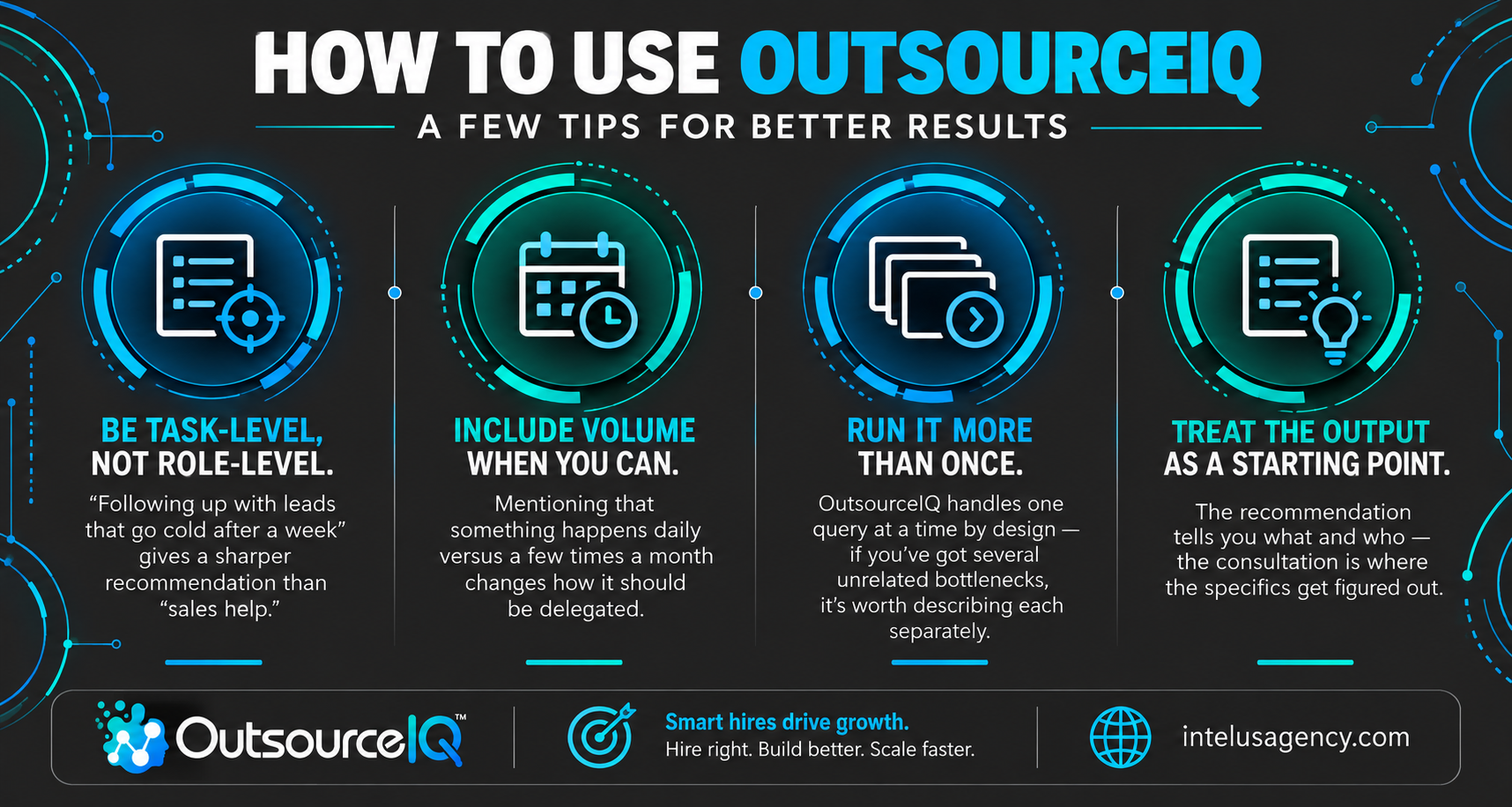
A Few Tips for Better Results
- Be task-level, not role-level. "Following up with leads that go cold after a week" gives a sharper recommendation than "sales help."
- Include volume when you can. Mentioning that something happens daily versus a few times a month changes how it should be delegated.
- Run it more than once. OutsourceIQ handles one query at a time by design — if you've got several unrelated bottlenecks (say, admin work and social media), it's worth describing each separately rather than lumping them into one input.
- Treat the output as a starting point. The recommendation tells you what and who — the consultation is where the specifics of experience, software knowledge, and working arrangement get figured out.
It's Free, and There's Nothing to Sign Up For
There's no account creation, no email gate, and no cost. You type in what's slowing you down and get a result in seconds. If it's useful, use it as often as you'd like as your workload shifts.

Ready to see what you could be delegating? Try OutsourceIQ now or browse by skill to see the full range of what remote talent can take off your plate. If you already know you're ready to hire, book a free consultation and we'll help you find the right person.



.png)
.png)

.png)
